
Casino Extra My Account
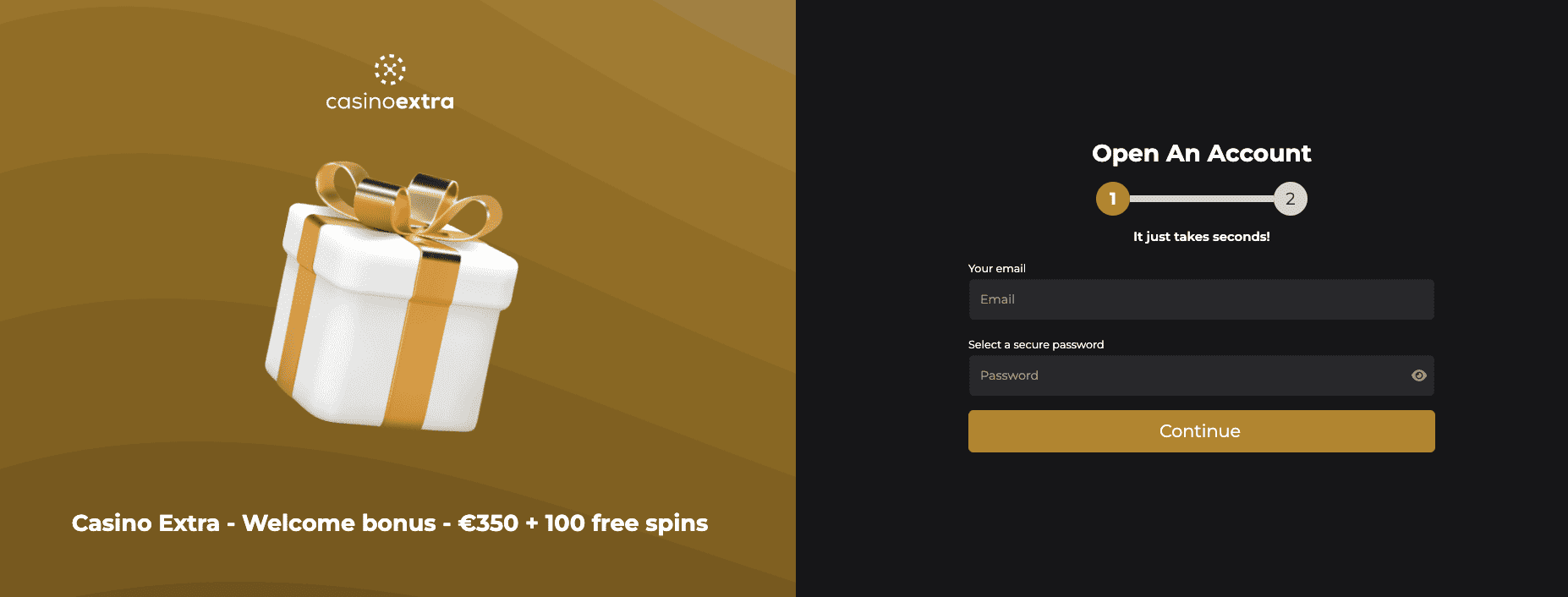
Welcome to the Casino Extra My Account page.
Here you will find everything you need to access, manage, recover, or close your player account safely and easily.
This guide explains how your account works and what to do in case of login issues or verification requests.
Log In to Your Casino Extra Account
To access your account:
- Go to the official Casino Extra website
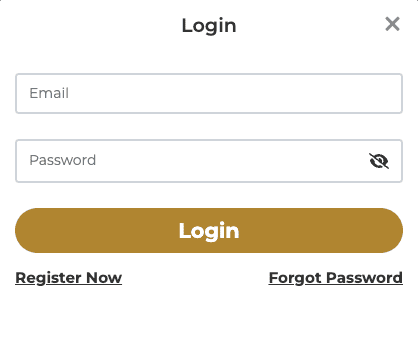
- Click on the Login button
- Enter your registered email or username
- Type your password
- Confirm to access your player dashboard
If your details are correct, you will be logged in instantly.
How to Create a Casino Extra Account
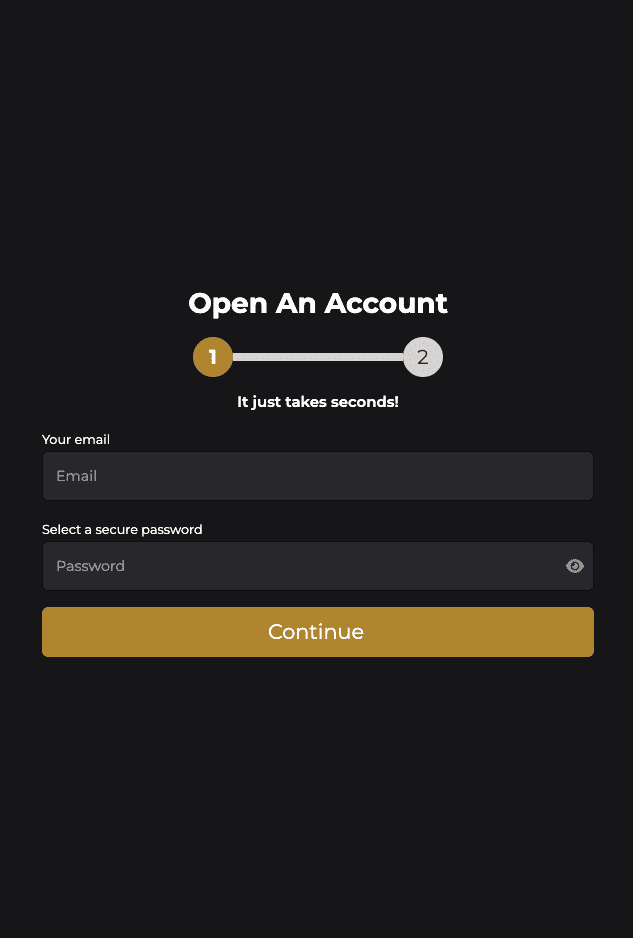
Opening an account takes only a few minutes.
During registration, you will need to:
-
Enter accurate personal information
-
Confirm your email address
-
Create a secure password
-
Accept the terms and conditions
Important: Your personal details must match your official ID. Incorrect information may delay withdrawals.
Forgot Your Password? Account Recovery Guide
If you cannot log in:
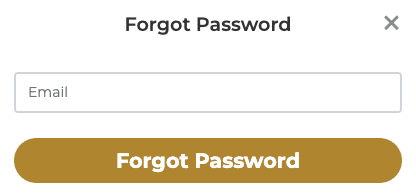
- Click on Forgot Password
- Enter your registered email address
- Follow the reset link sent to your inbox
- Create a new secure password
If you do not receive the email:
-
Check your spam folder
-
Make sure you entered the correct email
-
Contact customer support if necessary
Account Verification (KYC Process)
To withdraw funds, identity verification may be required.
Common documents requested:
-
Valid ID (passport or national ID card)
-
Proof of address
-
Proof of payment method
This process helps:
-
Protect your account
-
Prevent fraud
-
Ensure secure and faster withdrawals in the future
Verification typically takes between 24 and 48 hours.
Managing Your Account Settings
Inside your player dashboard, you can:
-
Update your email address
-
Change your password
-
Set deposit limits
-
Manage communication preferences
Some changes may require confirmation from customer support for security reasons.
How to Close or Delete Your Casino Extra Account
If you wish to permanently close your account:
- Contact customer support via live chat or email
- Clearly request permanent account closure
- Withdraw any remaining balance before closure
Please note:
-
Account closure is usually irreversible
-
Active bonuses may be canceled
-
Unclaimed funds may be subject to platform terms
Account Blocked or Suspended?
An account may be temporarily restricted for reasons such as:
-
Ongoing verification
-
Suspicious activity
-
Breach of terms and conditions
If this happens:
-
Contact support
-
Provide any requested documents
-
Wait for review and confirmation
Most cases are resolved within 24 to 72 hours.
Account Security Tips
To keep your Casino Extra account secure:
-
Use a strong and unique password
-
Never share your login details
-
Enable two-factor authentication if available
-
Avoid logging in from public Wi-Fi networks
Your personal security practices are essential to protecting your funds.
Frequently Asked Questions
Can I have multiple accounts?
No. Only one account per player is allowed.
Can I change my name or date of birth?
No. These details must be accurate at registration.
How long does verification take?
Usually between 24 and 48 hours.
Can I reopen a closed account?
This depends on the reason for closure and platform policies.
Need Help?
If you experience any issues with your Casino Extra account, customer support is available via:
-
Live chat
-
Email
-
Contact form
We recommend keeping written records of your communication for reference.